LetsVPN Set Up Guide
How to set up your LetsVPN
This guide will help you set up your LetsVPN step by step.
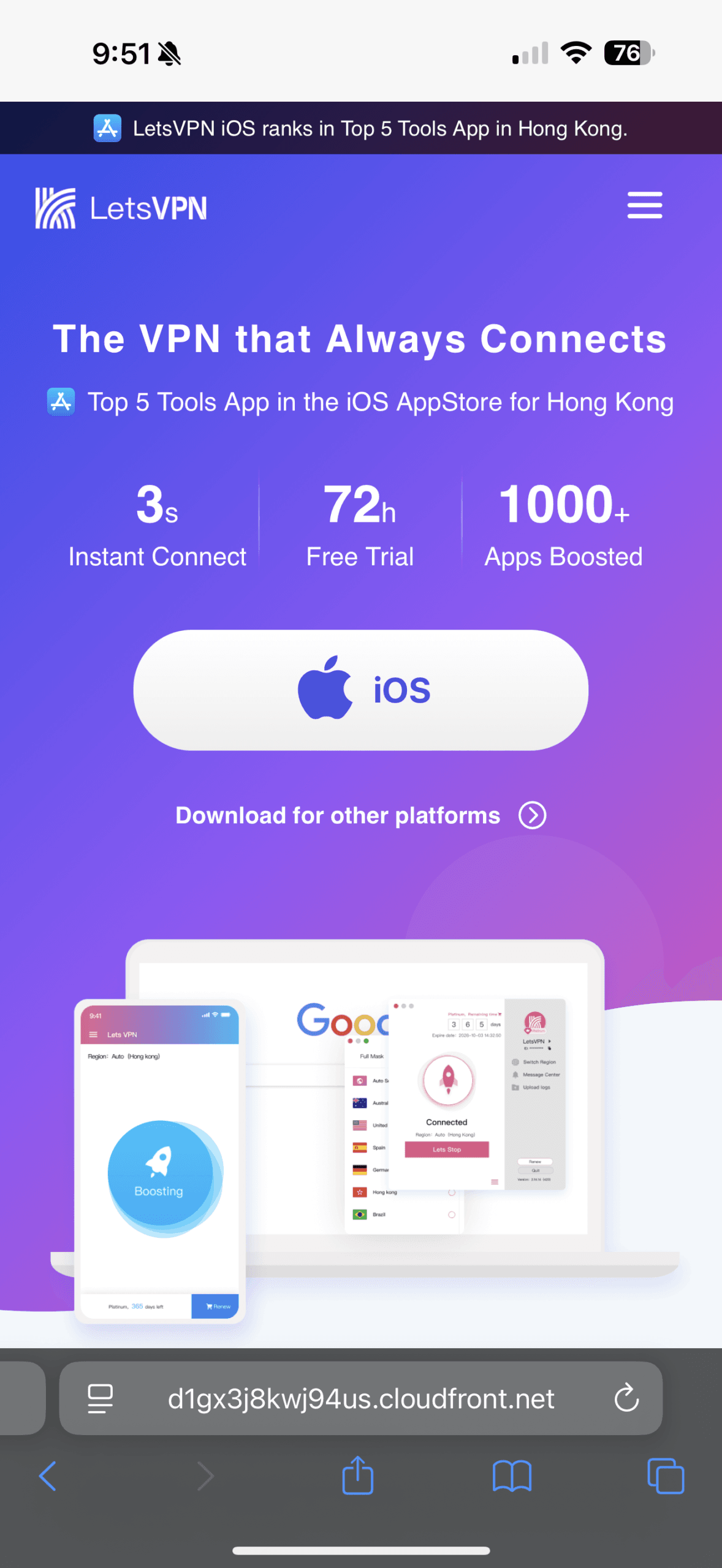
Download LetsVPN App

You can find LetsVPN options here, you’ll be prompted to download the app first. You’ll need the Letsapp to activate and use your VPN, so make sure to install it in advance for a smooth setup.
Tip: Please download the app before arriving China.
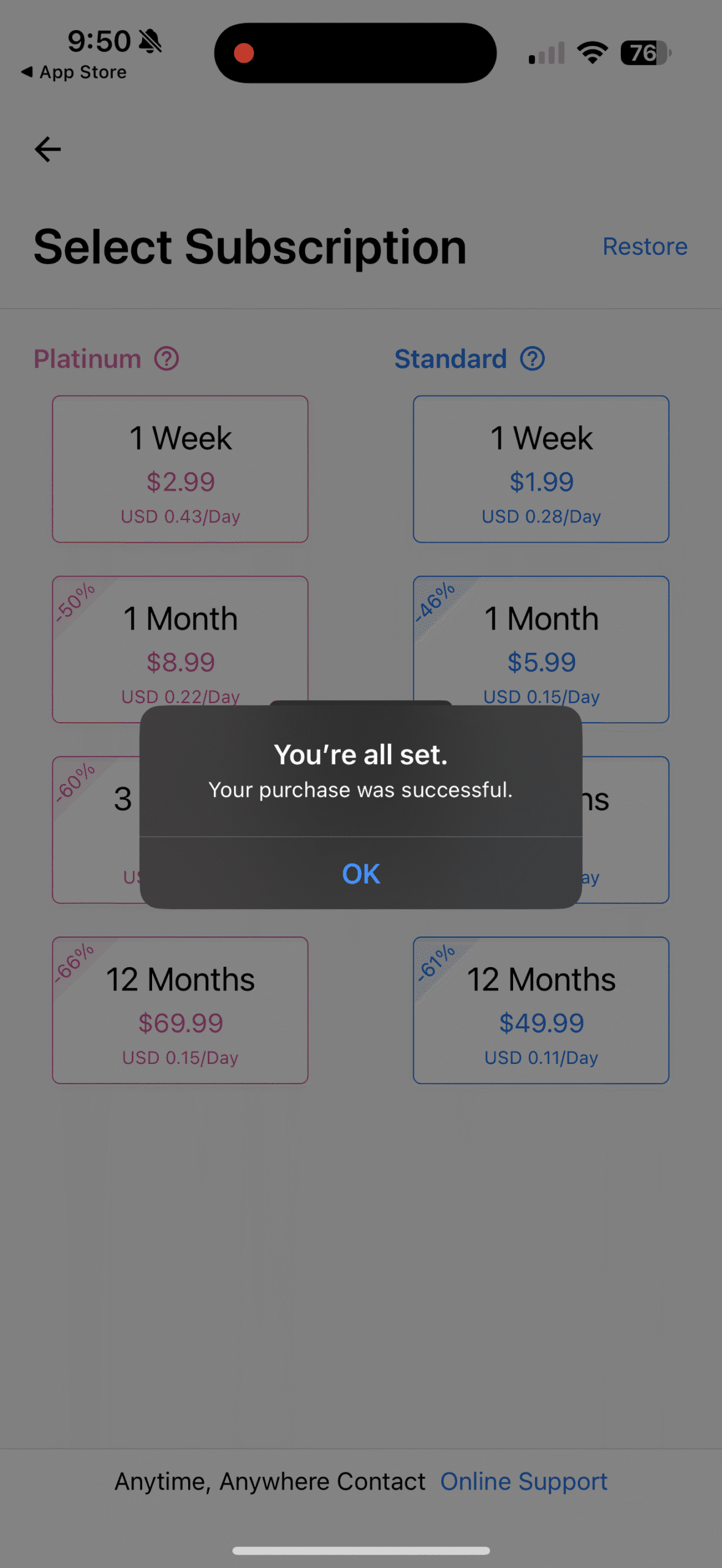
Pick and purchase the right plan
After downloading the app, you can browse all available options and start by selecting the plan that best fits your trip. Once you’ve made your selection, go ahead to complete your purchase. Notably, LetsVPN is one of the few providers that offers a one-week plan.
Tips: Most people find basic plan is sufficient
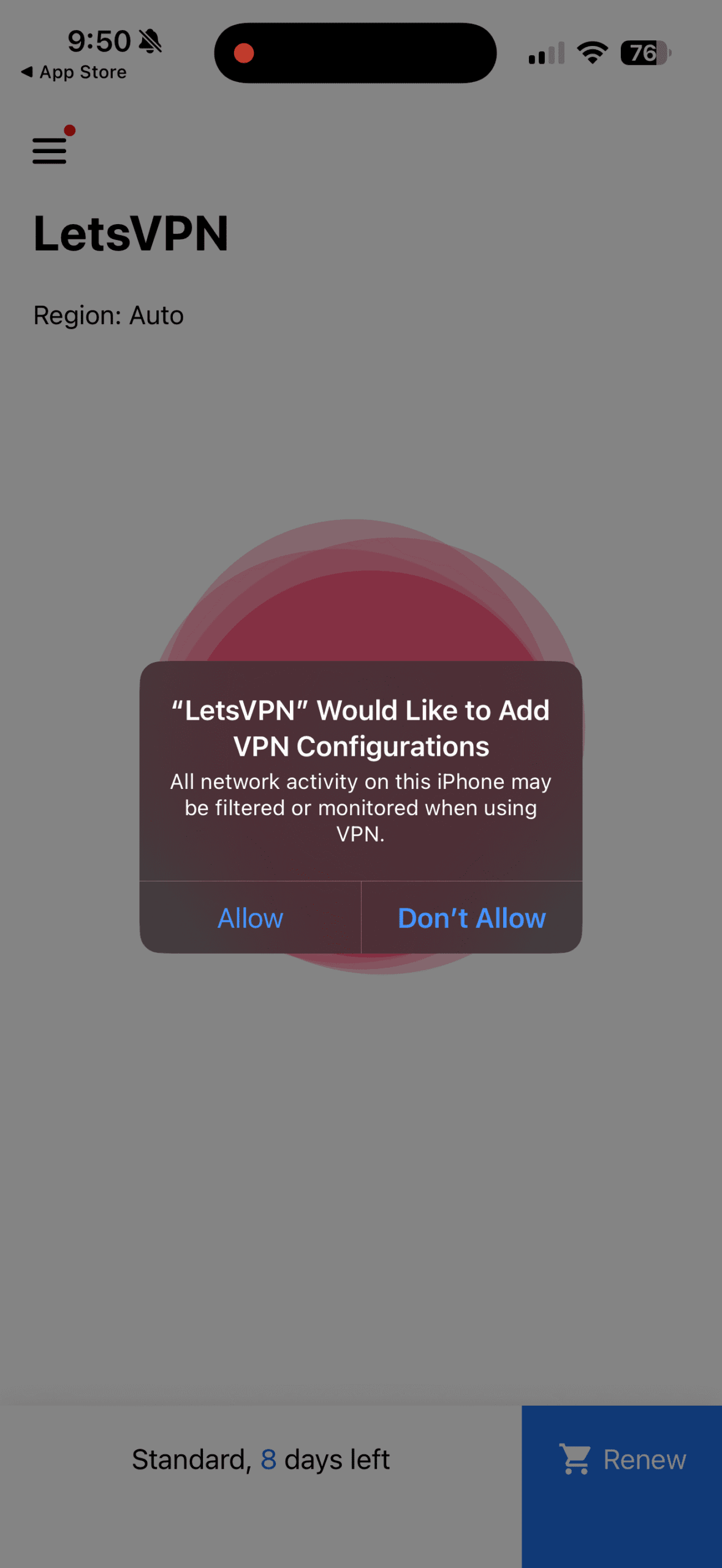
Setup VPN through LetsVPN App
Once choosing the , it will guide you through the setup process, just follow the on-screen instructions. The key step is allowing LetsVPN to be added to your device’s VPN configuration, which is required for the VPN to work. You can review this later in General → VPN & Device Management. Once LetsVPN is added, your VPN is fully set up and ready to activate whenever you need it.
Tip: Please make sure to finish your setup before arriving in China.
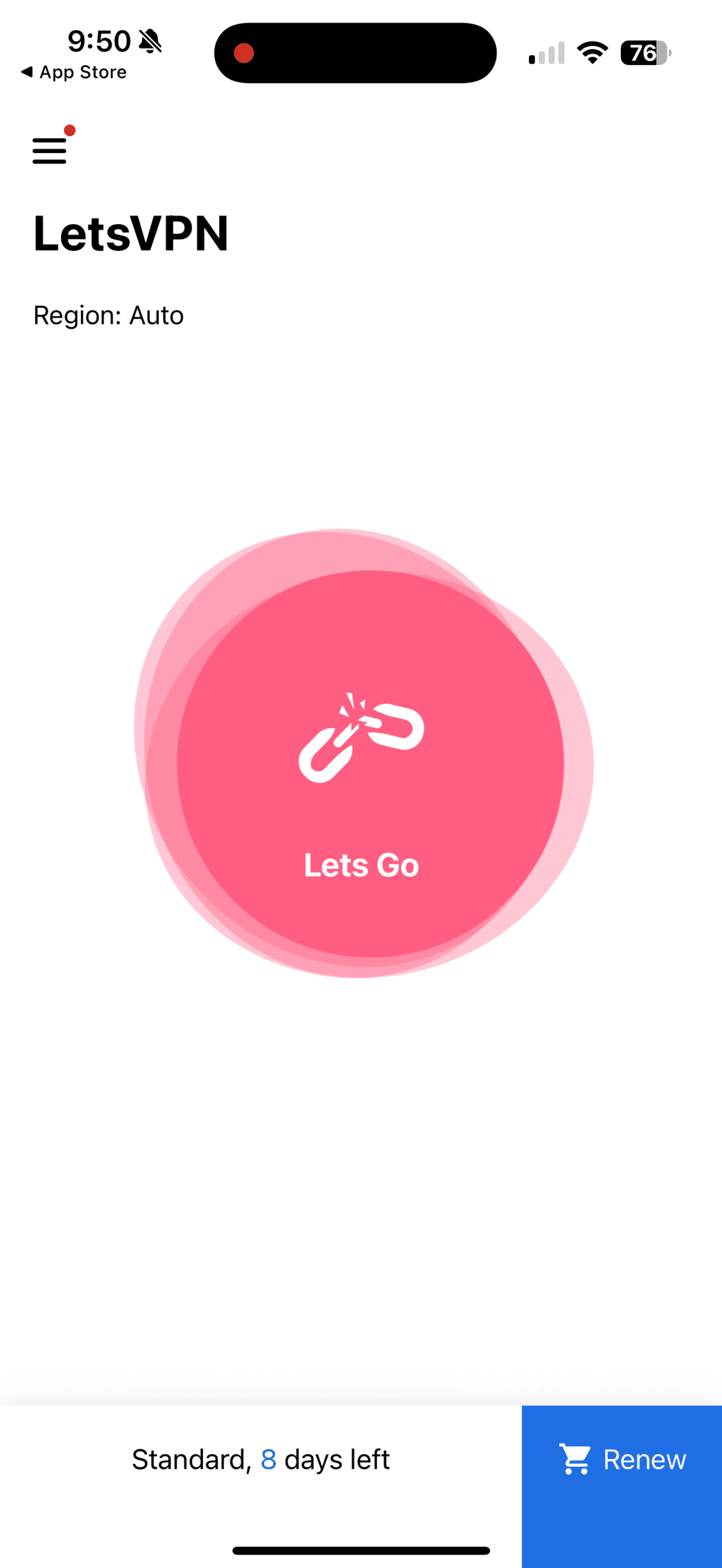
Activate VPN in LetsApp
Once the VPN setup is complete, you can connect anytime directly from the app using the Lets Go button. When you arrive in China, you’ll be able to enjoy a smooth and reliable internet experience!