Airalo eSIM Set Up Guide

How to set up your Airalo eSIM and get your discount
This guide will help you set up your Airalo eSIM step by step including a video tutorial (plus, don’t forget to use your discount!)
Download Airalo App

You’ll need the Airalo app to activate your eSIM, so please download it in advance. We recommend doing this before you travel to China, as your eSIM should be activated beforehand. You can find the App store and Google Play store links below:
Pick the right plan and sign up an account

Once you’ve downloaded the app, it’s time to choose the plan that’s right for you. Start by selecting your preferred duration and the amount of data you need. For most users, 0.2 GB to 1 GB per day is sufficient. If you’re unsure how much data to choose, you can find more guidance in our FAQ.
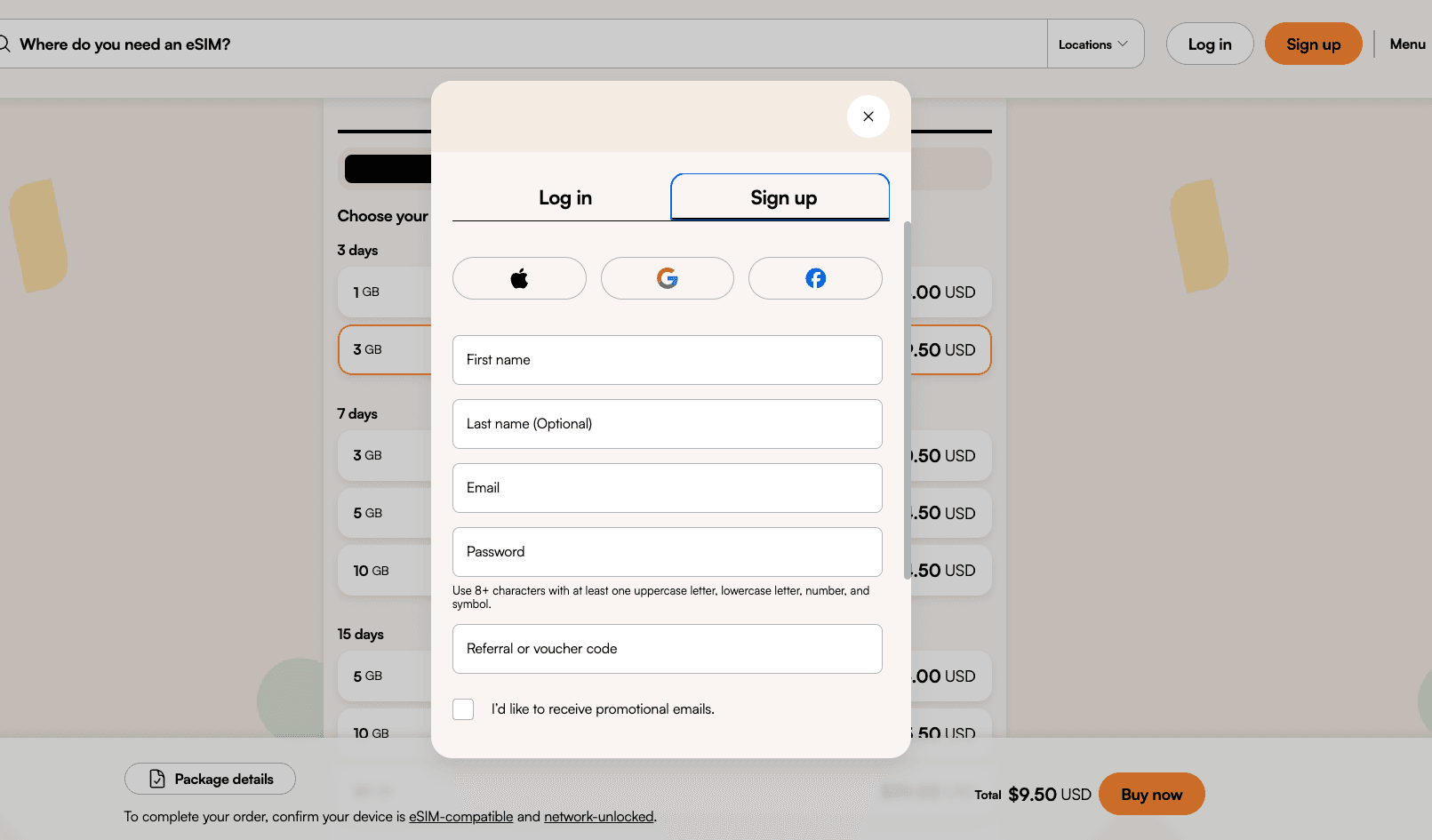
After selecting your plan, tap Buy Now. You’ll be prompted to either create a new account (if you don’t already have one) or log in to your existing account. Please note that an account is required to purchase an Airalo eSIM.
Tip: The price shown may not include your discount yet. Please proceed to the next step to ensure your discount is applied.
Purchase the plan

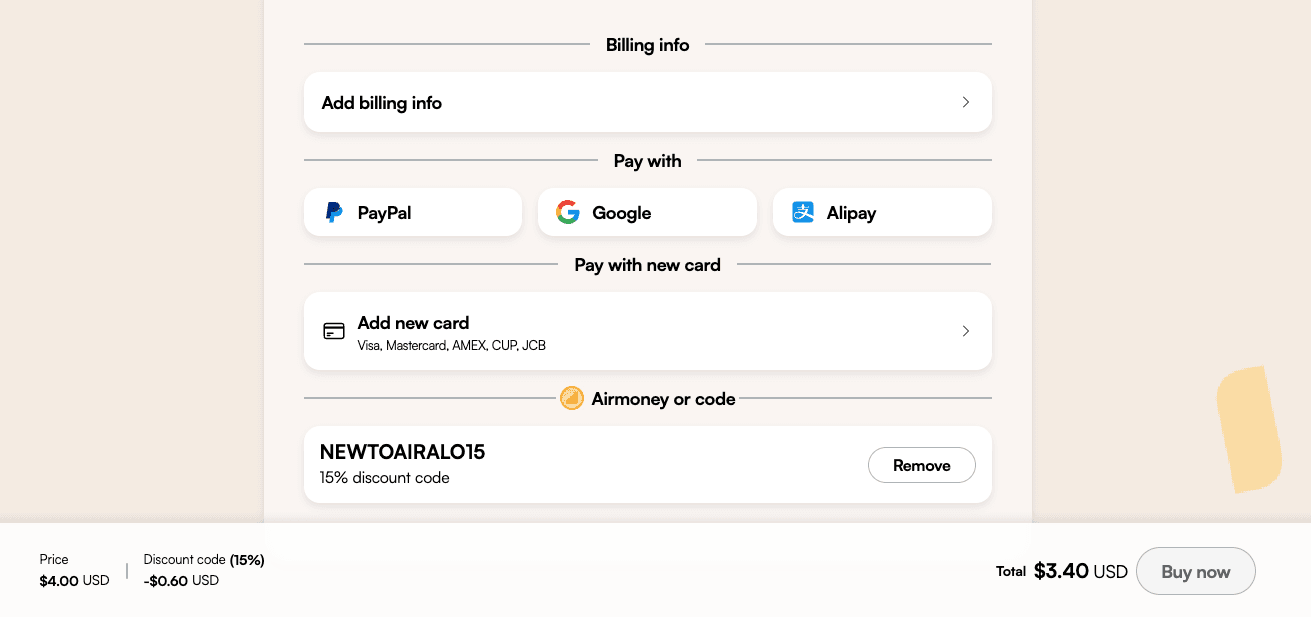
After creating your account, review the plan options and select the one that best fits your needs (Existing users can use this link to get 10% off). After selecting your plan, use code ERICX15 to get 15% off if the discount isn’t applied automatically. After confirming the details, you can complete your payment, and congratulations! You’ve successfully purchased your eSIM.
Tip: Get your 15% off with code ERICX15.
Install eSIM through Airalo app

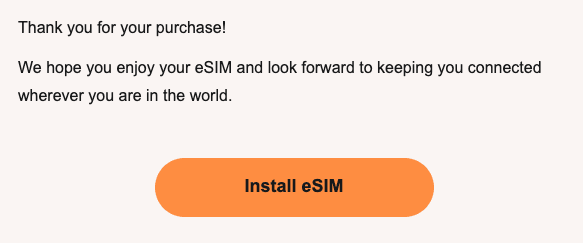
After purchasing your eSIM, the next step is to install it through the Airalo app. Once your payment is confirmed, you’ll receive an email from Airalo containing an installation link along with a step-by-step activation guide. Before you begin, Airalo recommends making sure of the following:
1. Your device is eSIM-compatible (most newer smartphones are)
2. Your phone is carrier-unlocked
3. You have access to stable Wi-Fi
Based on our experience, having a strong and stable Wi-Fi connection during setup is especially important. Simply tap the installation link and follow the instructions in the app to complete the process.
Tip: Please make sure to install your eSIM before arriving in China. Here you can find step-by-step iOS and Android installation guides
Activate eSIM in your phone setting

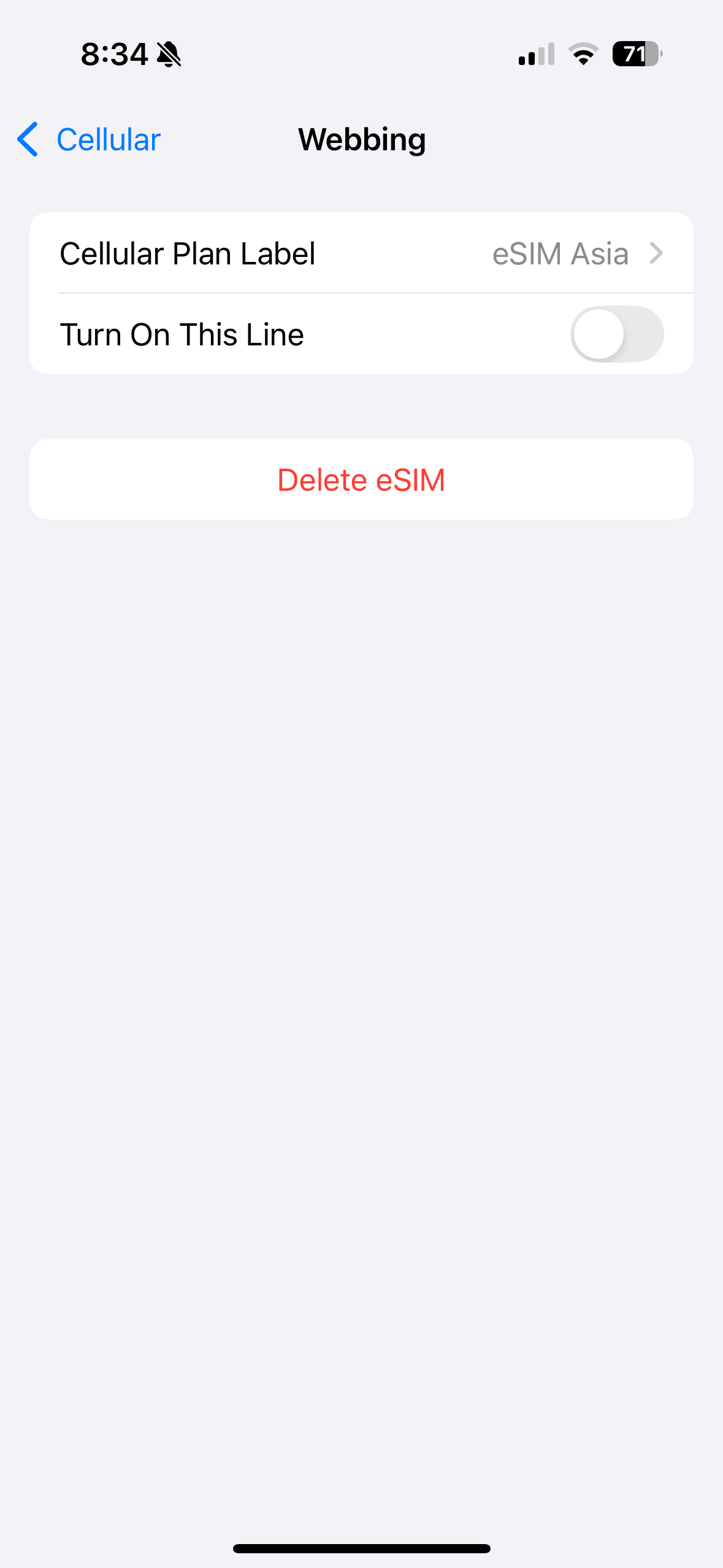
Once the eSIM is installed, you’ll be able to find it in your phone’s cellular settings. To activate it, make sure the Airalo eSIM line is turned on, set your cellular data to use your Airalo eSIM, and disable Allow Cellular Data Switching. That’s it, you’re all set! When you arrive in China, your eSIM will automatically connect to the local network.
Tip: Activate your eSIM shortly before traveling to China. Based on our experience, we recommend activating it at the airport before departure.
Once you arrive in China, your eSIM will automatically connect to the local network, as shown below. Enjoy seamless data connectivity throughout your trip and have an amazing time in China!
