Nord VPN Set Up Guide
How to set up your Nord VPN
This guide will help you set up your Nord VPN step by step.
Pick and purchase the right plan

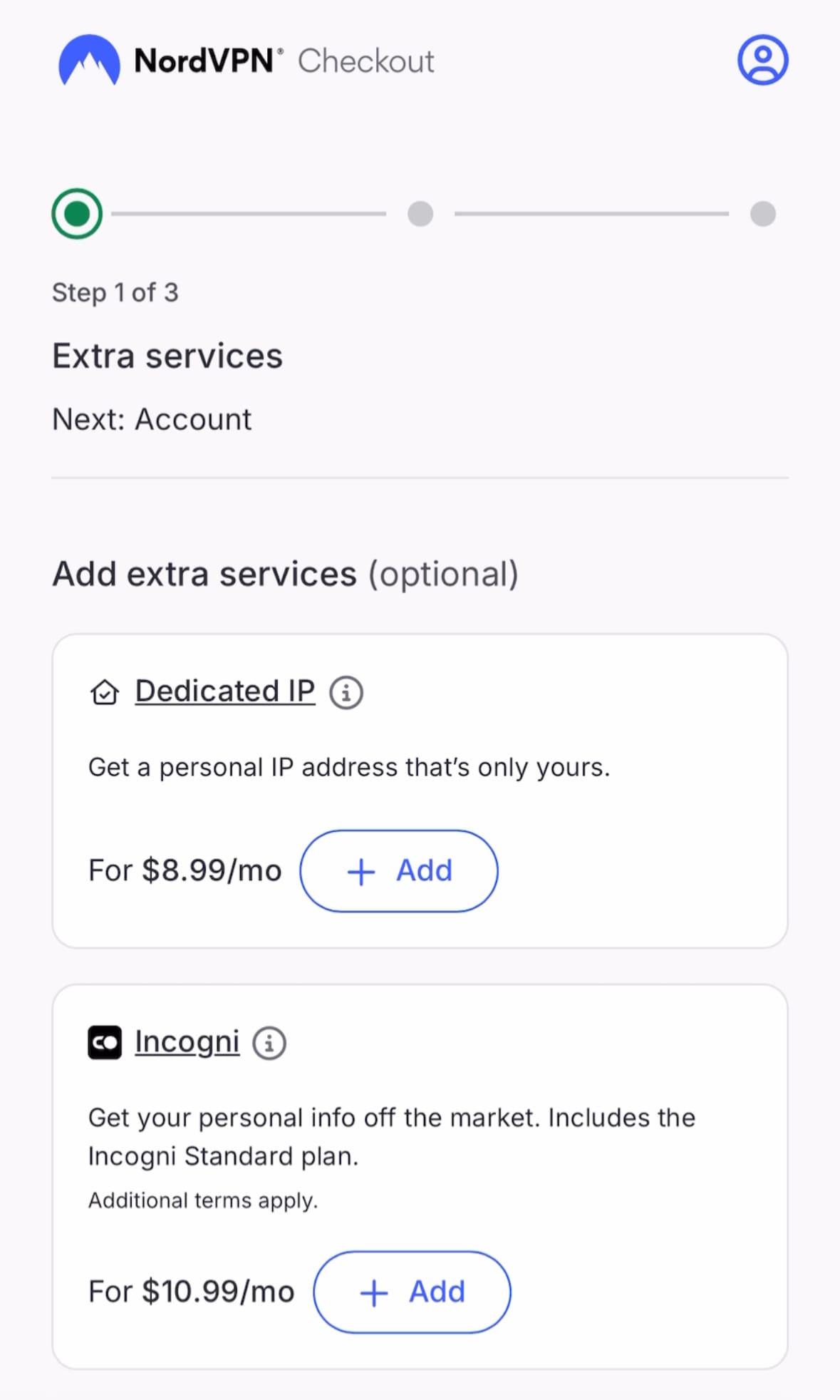
You can find Nord VPN options here, where you’ll start by choosing the plan that fits your trip. Once you’ve made your selection, go to continue to complete your purchase.
Create account

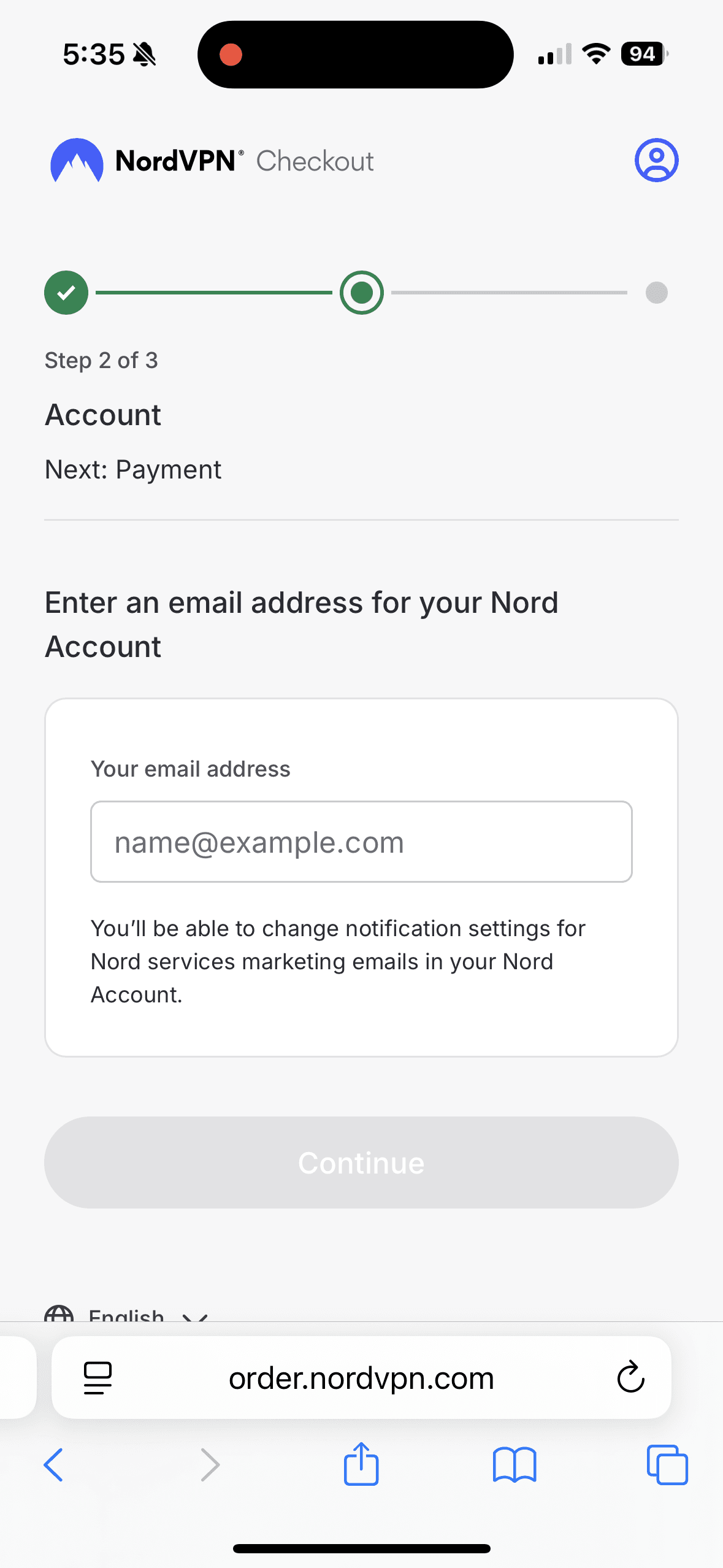
After selecting your plan, you’ll be prompted to create an account using one of your email addresses. Creating an account is required to activate and use the VPN. Once your account is set up, you’ll be redirected to the payment page to complete your purchase.
Tip: NordVPN will send a verification email to this address. If you don’t see it in your inbox, be sure to check your spam folder.
Activate your Nord account
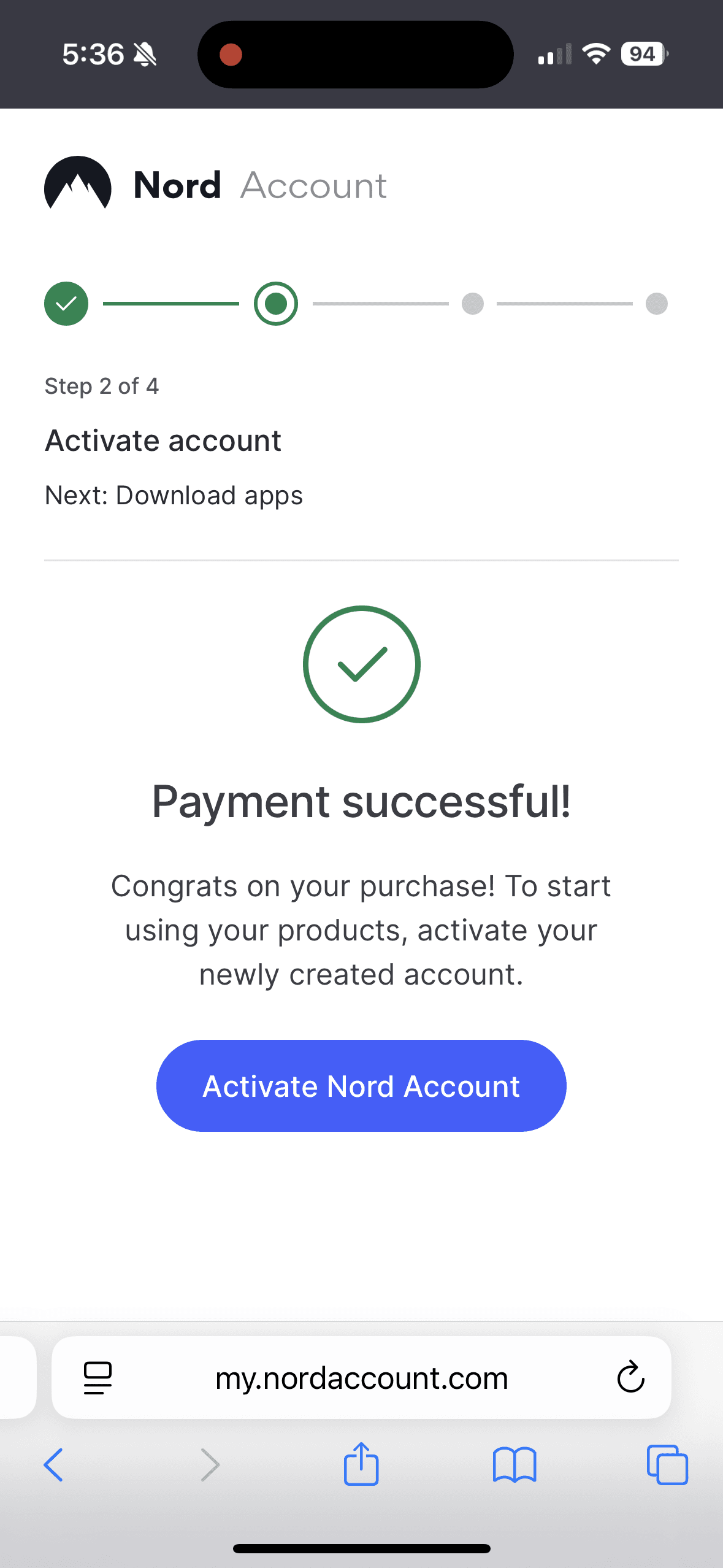
After completing your payment, you’ll be prompted to activate your account. Click Activate Nord Account, and NordVPN will send a verification email to the address you used during sign-up. Enter the verification code from the email, and your Nord account will be successfully activated.
Download Nord VPN App
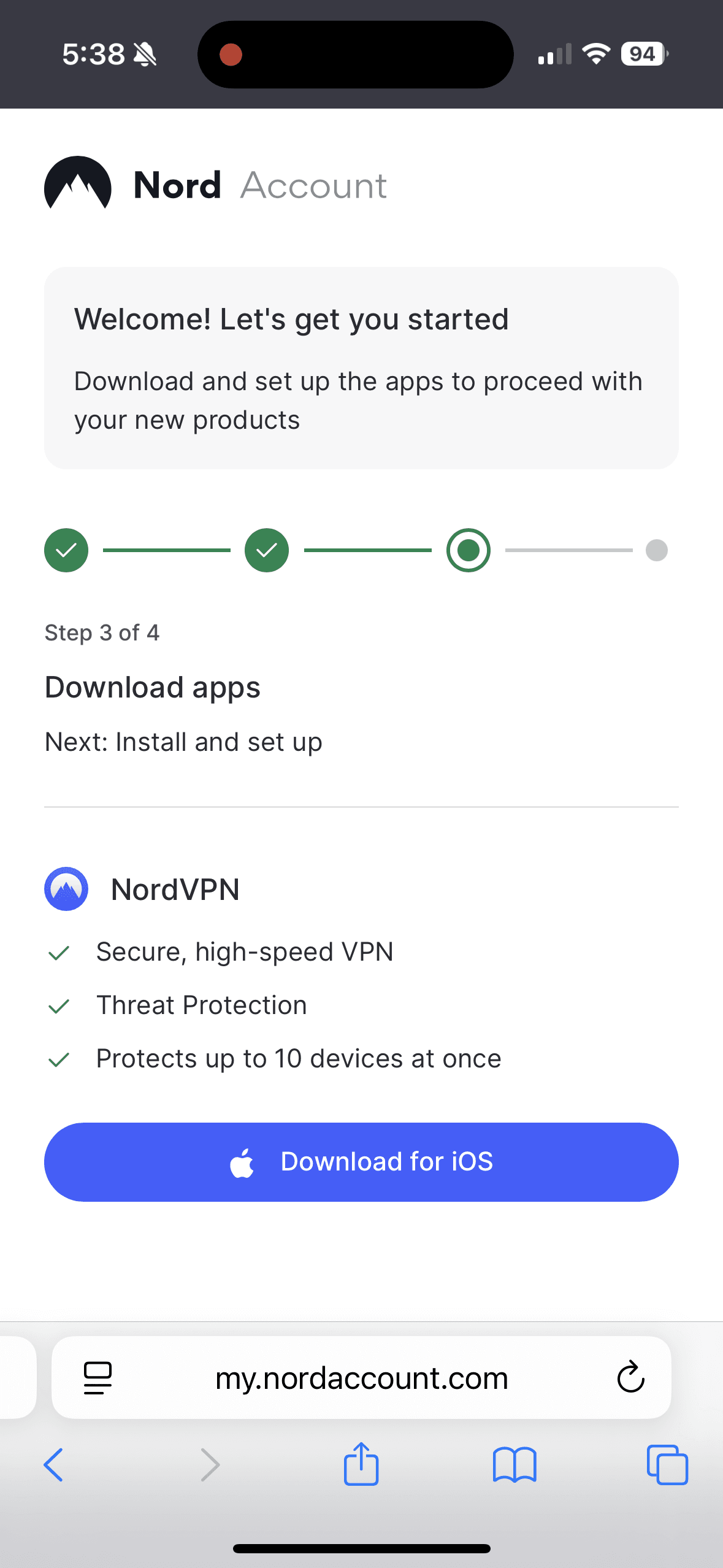
After creating and activating your account, you’ll be prompted to download the app. You’ll need the Nord app to activate and use your VPN, so make sure to install it in advance for a smooth setup.
Tip: Please download the app before arriving China.
Setup VPN through Nord App
When you open the app, it will guide you through the setup process, just follow the on-screen instructions. The key step is allowing Nord VPN to be added to your device’s VPN configuration, which is required for the VPN to work. You can review this later in General → VPN & Device Management. Once Nord VPN is added, your VPN is fully set up and ready to activate whenever you need it.
Tip: Please make sure to finish your setup before arriving in China.
Activate VPN in Nord App
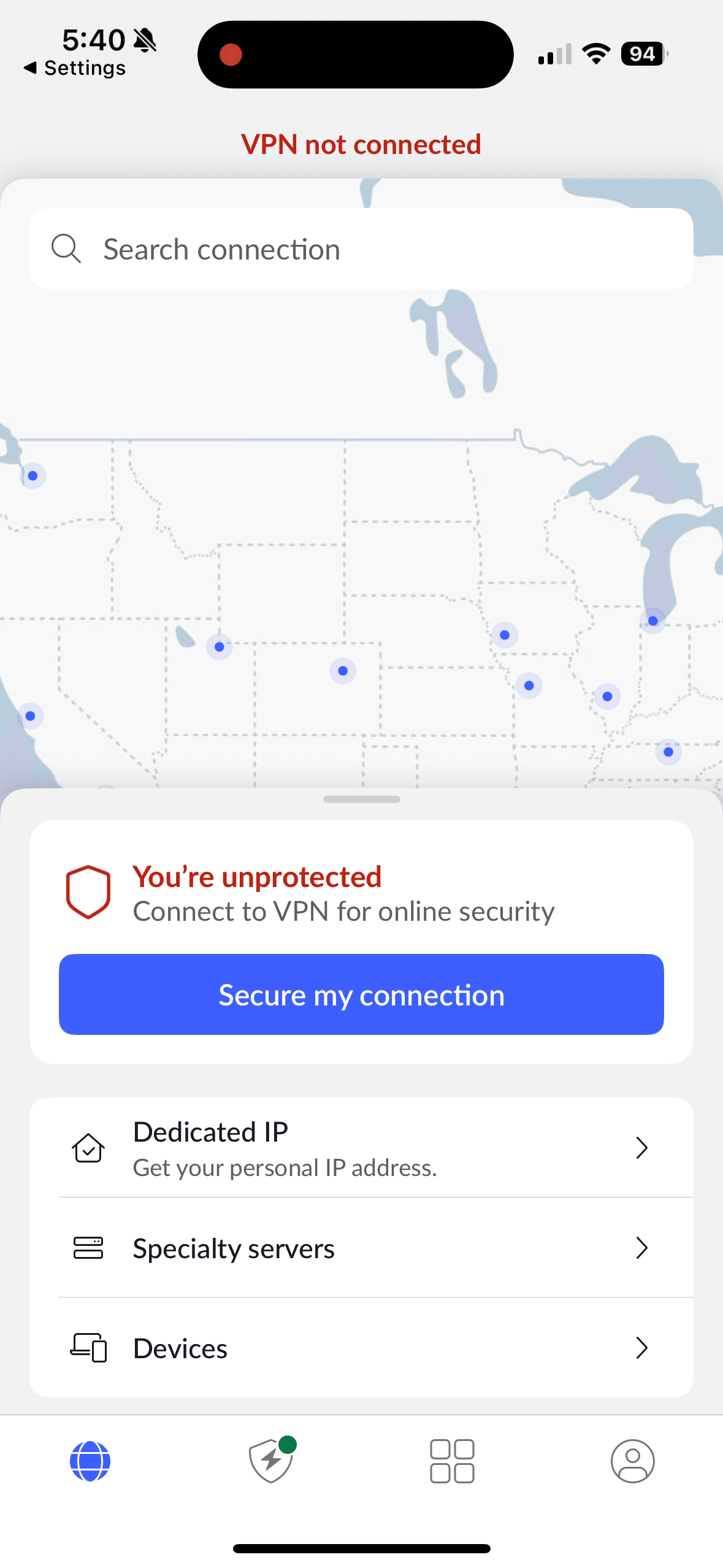
Once the VPN setup is complete, you can connect anytime directly from the app using the secure my connection button. When you arrive in China, you’ll be able to enjoy a smooth and reliable internet experience!